

Import Formats & Interoperability
Test benches, data loggers, combustion analyzers and simulation tools all write their own file formats. UniPlot reads many of them directly or through an add-in and converts every file into the same UniPlot data format (NC2). From then on it makes no difference where the data came from: the channels appear in the Data Browser and are plotted, filtered and reported in the same way.
Guides
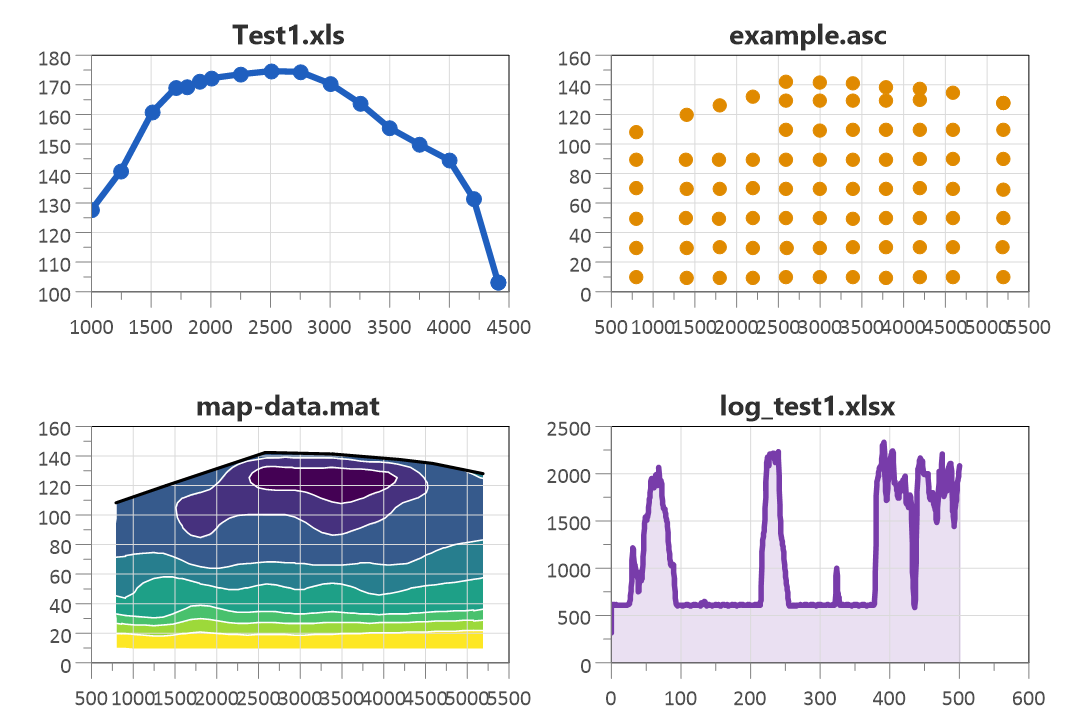
Import tabular data without an import template.
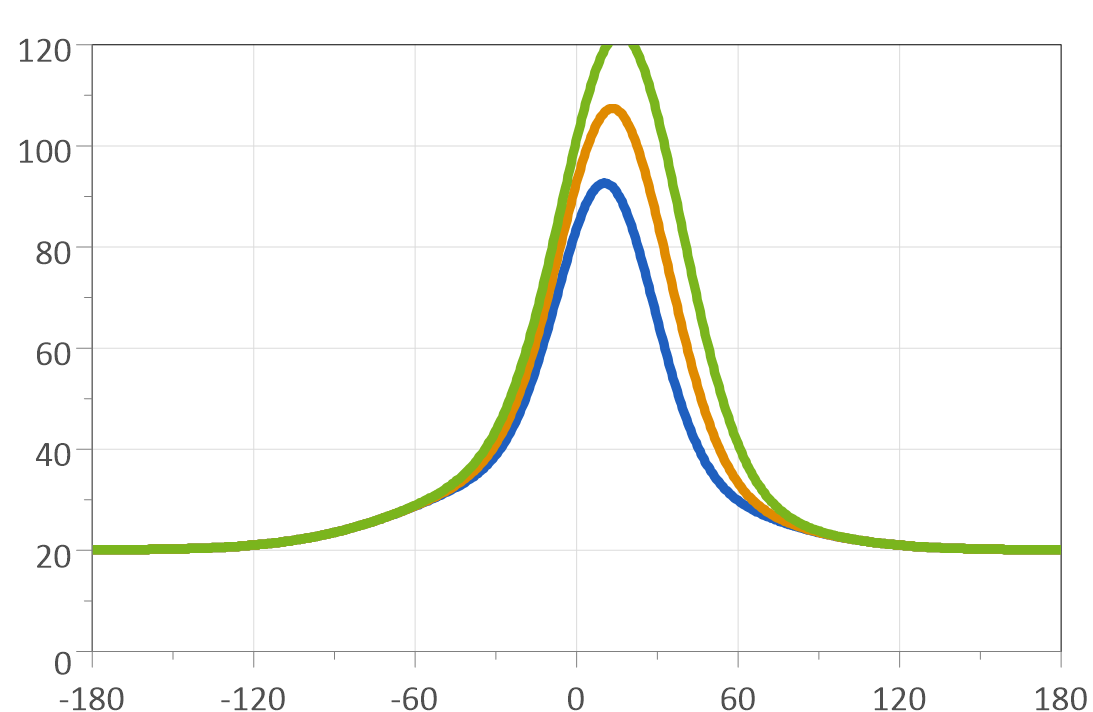
Compare CFD simulation results with measurements.
Quick answers
Which file formats can UniPlot import?
Among others: text, CSV and Excel files, MATLAB, netCDF, MDF and MDF4, CAN log files (BLF, ASC), DIAdem DAT, TDM and TDMS, FAMOS, ASAM ODS and ATFX, Dewesoft D7D and DXD, Elsys TPC5, AVL IFILE and Puma, FEV/MTS CAS, SMETec COMBI, KiBox, Siemens CATS ERG, Sefram REC, Tektronix ISF, MORPHEE, CONVERGE, Virtual Dynamics and the calibration formats DCM and PACO. The full list is in Importing Data. For MDF and CAN see How do I open and analyze MDF4 files? and How do I decode a CAN log file (BLF or ASC) with a DBC file?. See also Which file formats can UniPlot not import?.
The file type I need is missing in the import dialog. What do I do?
Many import filters are add-ins. Choose Tools=>Add-In Manager, check the filter and restart UniPlot if asked. Not every filter is installed by the setup program; if you cannot find it, contact UniPlot support. See also How do I enable the import filter for a file format (MF4, CAN/BLF, TDM/TDMS, IFILE, REC, ATFX)?.
How do I import MATLAB .mat files?
File=>Import Data reads MATLAB files of version 4 and 5 and, since R2015.9, the HDF5-based version 7.3, including files in the ControlDesk format. MATLAB does not need to be installed. The same add-in also writes UniPlot data files back to .mat. See Import of MATLAB Data Files. See also A MATLAB .mat file cannot be imported or its channels are wrong. What can I do?.
How do I import TDM and TDMS files from DIAdem or LabVIEW?
The TDM add-in converts TDM and TDMS files into UniPlot data files and can also export UniPlot data to TDM. It is based on the DIAdem Connectivity Library of National Instruments. See Import/Export of TDM Files. See also How do I import TDM/TDMS files (for example from DIAdem or LabVIEW)?.
How do I import DIAdem DAT files?
Activate the DIAdem add-in in Tools=>Add-In Manager; the files are then available in File=>Import Data. See Import of DIAdem files.
How do I import FAMOS files?
The FAMOS add-in reads the data files of imc Messsysteme. See Import of FAMOS files.
How do I import Dewesoft D7D files?
With the D7D add-in, which uses the Dewesoft data reader library. After activating it in Tools=>Add-In Manager, D7D and DXD files are opened with File=>Import Data. See Import of D7D files. See also Can UniPlot import Dewesoft .d7d/.dxd files? Why is a channel missing after the import?.
How do I import Elsys TPC5 or TPS5 files?
The TPC5 add-in converts TPC5 and TPS5 files of Elsys AG into UniPlot data files. See Import of TPC5/TPS5 Files.
Can I import data from combustion analysis systems?
Yes. There are import filters for AVL IFILE (with optional heat release calculation), CAS by FEV and MTS, COMBI by SMETec and KiBox. See Import of IFILE Data Files, Import of CAS files and Import of KiBox Files. See also How do I import indicating (IFILE / INDI) files, and what if the import fails?.
How do I import ERG files from Siemens CATS?
The ERG add-in reads the ERG files written by the SIEMENS CATS Flexible test bench automation system. See Import of ERG files. See also How do I import ERG result files (CATS), and why does the import fail?.
How do I import MORPHEE test results?
MORPHEE is a test bench automation software. Its test result files are imported with the MORPHEE add-in. See Import of MORPHEE files. See also How do I import MORPHEE test results into UniPlot?.
How do I import ATFX files?
ATFX is the XML transfer format of the ASAM ODS standard. The ATFX add-in converts these files into UniPlot data files. See Import of ATFX Files. See also How do I import ATFX files, and what do I do if the import fails?.
How do I load data from an ASAM ODS server?
The ASAM ODS browser connects to ODS servers with the RPC interface (API 3) or the CORBA interface (ODS 4 and 5). You search the measurements in the browser and load the channels into UniPlot. See Overview ASAM-ODS. See also Which ASAM ODS versions and interfaces does UniPlot support? Are encrypted (SSL) connections possible?.

How do I load data from FLEX-LAB?
FLEX-LAB is a web-based platform for test bench data. The FLEXLAB add-in lets you browse it and load measurements into UniPlot. See Import of FLEXLAB data.
Can Simulink results be loaded into UniPlot automatically?
Yes. The Simulink connector loads the simulation results into UniPlot at the end of each run. It is available from the MATLAB File Exchange or directly from MATLAB. See Connecting Simulink to UniPlot for seamless analysis.
Can UniPlot read netCDF files?
Yes, classic netCDF files (.nc), for example data files of UniPlot R2011 and older, are opened with File=>Import Data. NetCDF-4 files, which are based on HDF5, cannot be imported. Since R2012 UniPlot converts every imported file into its own data format NC2, which is not a netCDF file. See Overview UniPlot Data Files. See also Can UniPlot import HDF5 or NetCDF-4 files?.
How do I import a company-specific file format?
With UniScript you can write your own import filter for binary or text
files. Registered with ADDIN_AddToUI(ADDIN_FILE_IMPORT, ...), it appears
in File=>Import Data like the built-in filters. See
ADDIN_AddToUI and the example in
Importing Data. If you can choose the
export format, the simple UTX text format also stores attributes such as
units. See also How can I import a file format or a CSV/text layout that UniPlot does not read directly?.
Support questions
Error messages, settings and other practical problems in this area are answered in the FAQ: Data Import and File Formats and Integrations with Other Tools.